What everything does.
Plain-language explanations of each feature, and what it looks like when you are playing.
One key. The whole combo.
Combos need a lot of inputs in a tight order. A character macro does that order for you, with the timing between inputs already tuned.
- 16 characters, each with its own key and settings
- Keys and mouse buttons are fully rebindable
- Everything it presses is released when it ends
You pick how many hits to wait for. Index IV never presses block for you.
Auto M1 Trade.
In a trade you block while the other player swings. Index IV counts their hits by sound, and once it reaches your number it lets go of block and swings back for you.
- Listens only to Roblox, so music and Discord are ignored
- Can learn the other player's rhythm and start slightly early, always after a real hit
- Never presses block again, and never touches the game itself
It keeps rerolling until the skin you want drops.
Skin Reroll.
It watches the screen, so it reacts to what is happening instead of clicking blindly on a timer.
- Handles single skins and 10x crates
- Uses Windows' own text reading, nothing extra to install
- Keeps rerolling until you get the skin you want
It saves you the clicking. It does not change what drops.
- Hold W0 ms
- Tap Space+100 ms
- Tap Skill 1+12 ms
- Release everything+50 ms
Custom Techs.
Teach Index IV your own combo. It becomes a list of steps you can tidy up and bind to one key.
- F7 starts and stops recording, including camera turns
- Only fires while Roblox is the window you are using
- Saved on your PC
The timing comes from what the game is doing, not a guess.
Timings.
Watches your camera zoom and triggers a move the moment the zoom reverses, so the timing comes from the game.
Timings reads your camera zoom from the Roblox process. It is the one global tool that does, and you can leave it off.

See it without alt-tabbing.
A small card appears at the lower left of Roblox when your macros pause or resume, and when a character switches on or off. You always know what is running.
Works in windowed and borderless. Roblox in exclusive fullscreen can hide any overlay.
Easy to stop.
Macros should never feel out of control.
Global pause
One rebindable key pauses everything at once, including every character.
Stop all
A single button turns every macro and tool off, wherever you are in the app.
Keys always released
Anything held down is let go when a macro ends or is interrupted. Game freezes always resume.
A closer look.
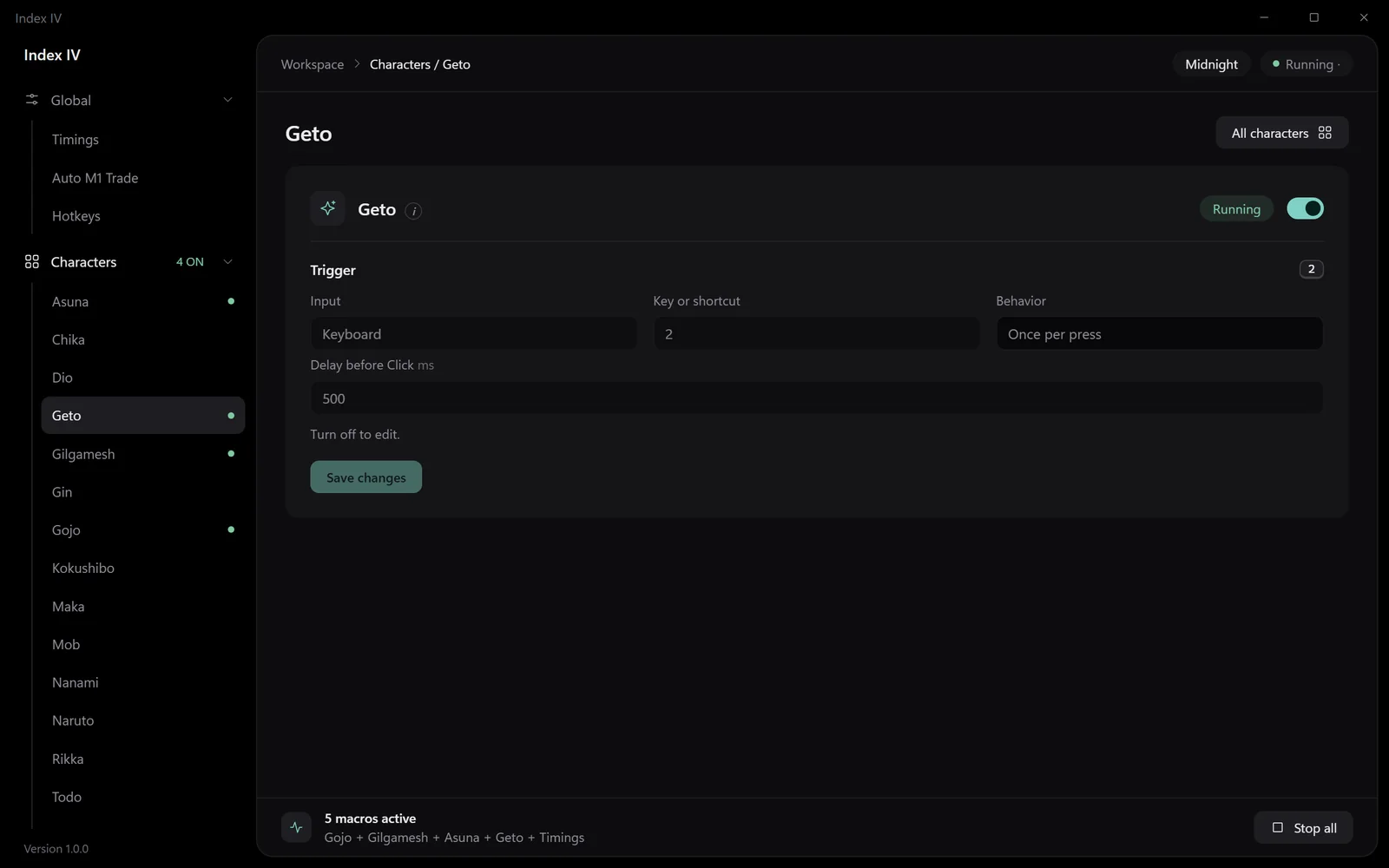
Per-character settings
Pick the key, the mode and the delay. That is all there is to it.
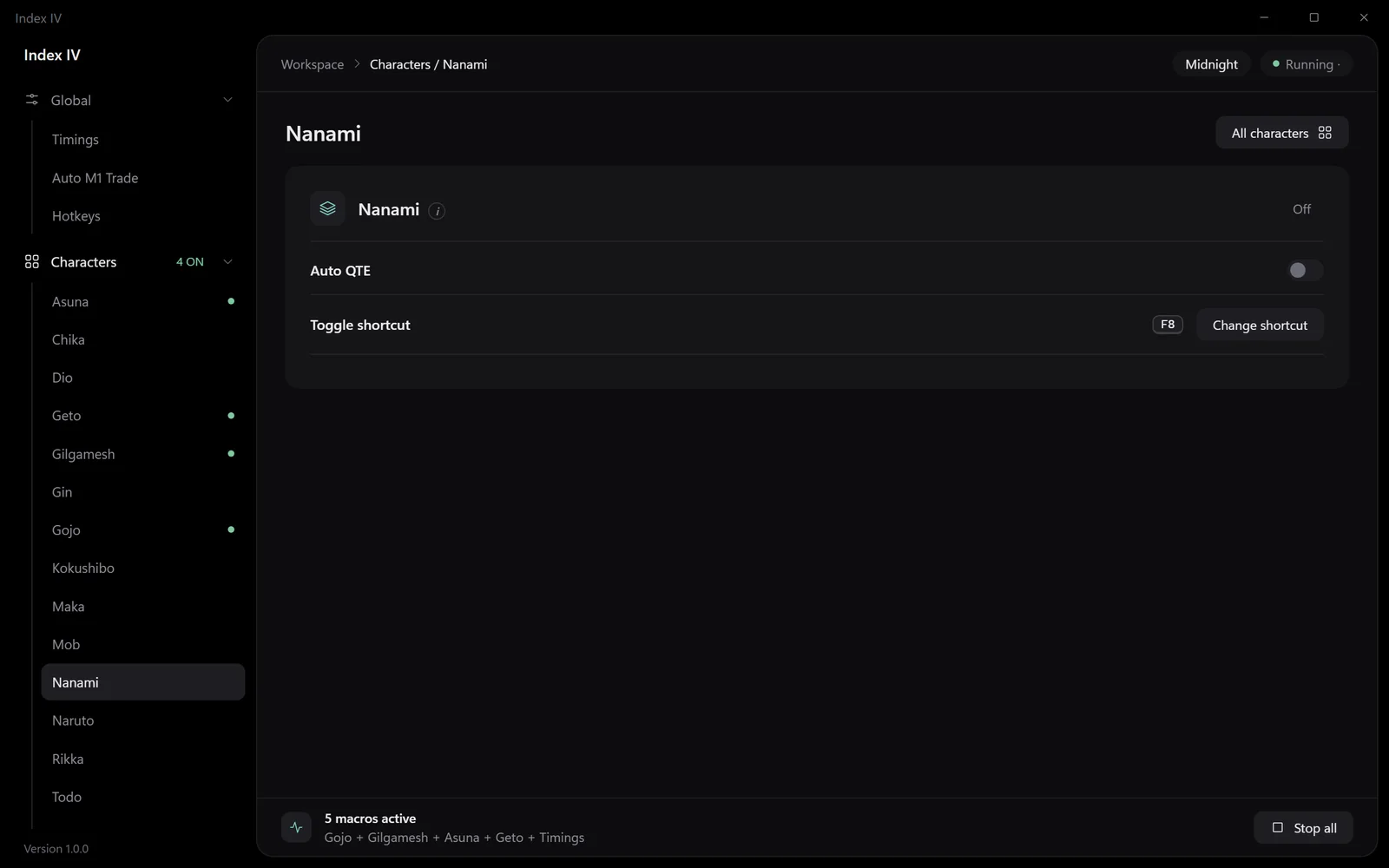
Nanami auto-critical
Reads your screen and clicks when the target lines up.
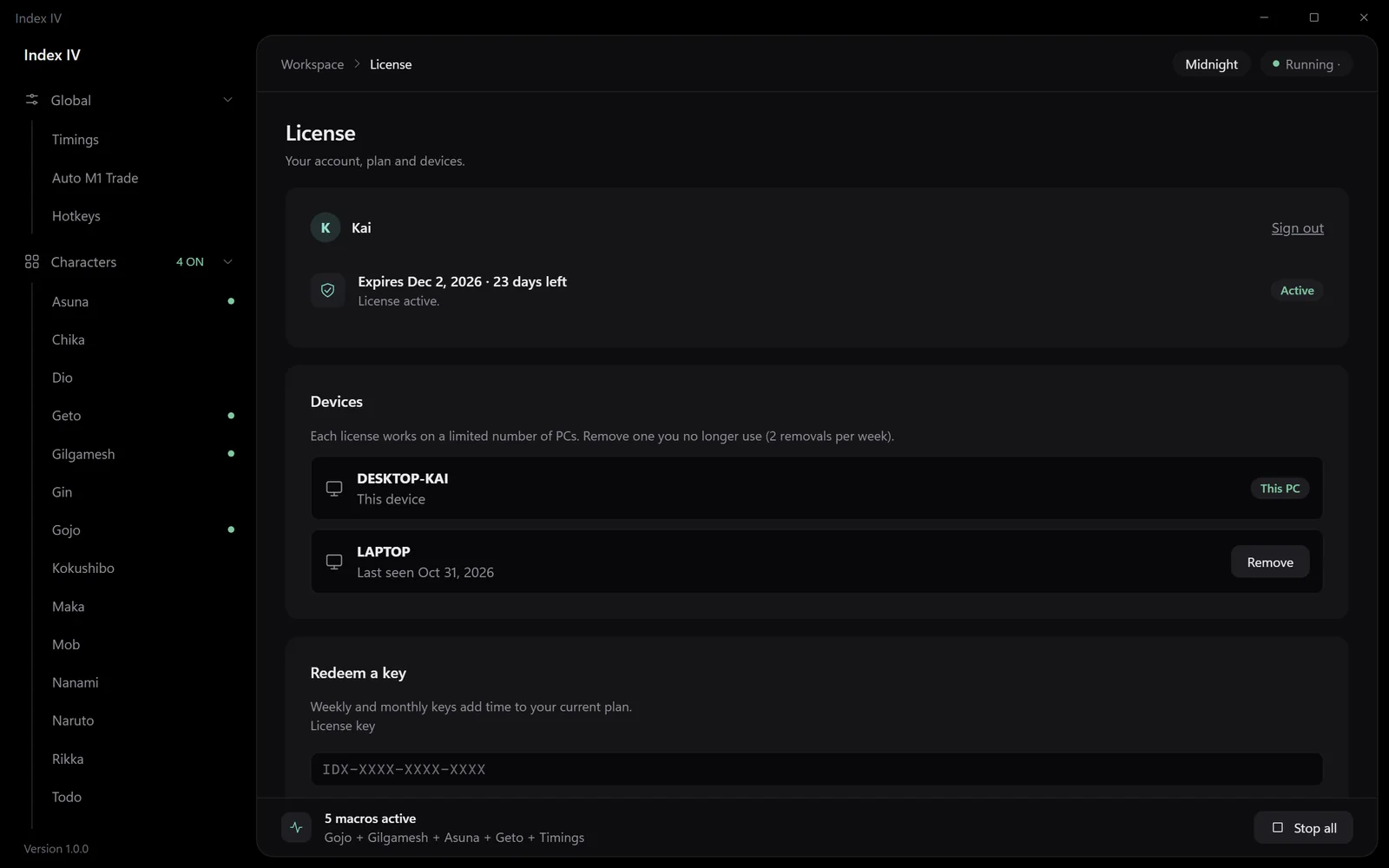
Your license
See your plan and manage up to two PCs.